Severally i have been asking Google this question to know how I can switch my Tecno phone to guest mode. unfortunately I couldn’t get any reasonable answer so on this post I decided to give my own opinion regarding this topic on how to switch to guest account on tecno phone.
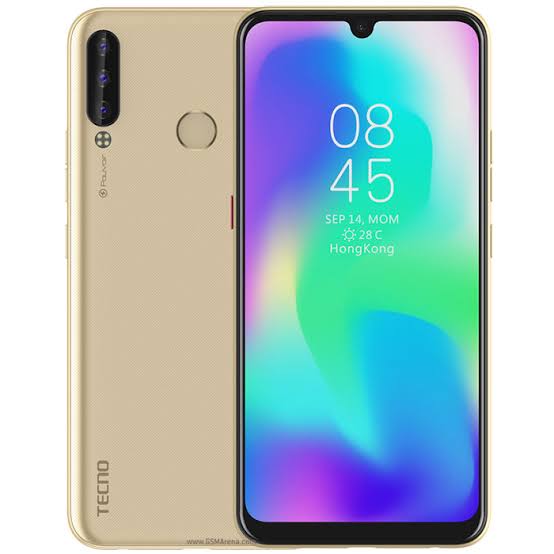
tecno phones are one of the China phone we know in Nigeria some years back, however over the years tecno has improved so much that Tecno has become one of the most reliable and affordable phones in Nigeria. Due to their affordability so many Nigerians and some Africa country are now buying tecno phones and for some reasons some of us would want to switch to guest account in order to prevent some documents being viewed or used publicly. many Yahoo boy is trying to avoid the wrath of SARS trying their best to switch their phone to this so-called guest mode when they are going out but for those using Tecno phones hits a huge disappointment.
On my own tecno pouvoir 3 plus I have tried all I could and then find out that Tecno doesn’t have guest mode features. The guest mode would allow you to keep so many things from the public whereas others won’t be able to have access to some of your private stuffs on your phone such as apps. most times guest mode allow you to keep some things privately from kids or so on.
Normally to Swift your phone to guest mode, below is how to go about it.
Most contemporary Androids have this feature, which can be found in your Settings app:
- Go to Settings > System > Advanced > Multiple Users. (This varies between devices and versions of Android. Another possible location is Settings > Users and accounts > Users > Guest. If you can’t find it, try searching your settings for “User.”)
- This menu lists all the Google accounts synced to your device. You’ll find the “Guest” account at the bottom of the list.
- Tap “Guest” to swap over to guest mode. It may take a couple of seconds to enable. Note: Guest accounts can’t make phone calls by default. To enable guest calls, tap the gear-shaped icon next to “Guest” and tap the slider on to allow phone calls.
- When you’re ready to swap back, navigate back to the same section as before and then tap the new “Remove guest” option. This swaps back to your main profile and deletes any apps, call history, or other data from the guest session.
If you are using Tecno Phone, I’m sorry you don’t have this feature on your phone, however after reading this article tecno may add this feature on their future release.
However there is a feature that allows you to hide apps on your phone depending on the Launcher you are using. hios Launcher have a features of allowing you hide your apps and locking your hiding apps.
"Give thanks to the Lord for He is good: His love endures forever."
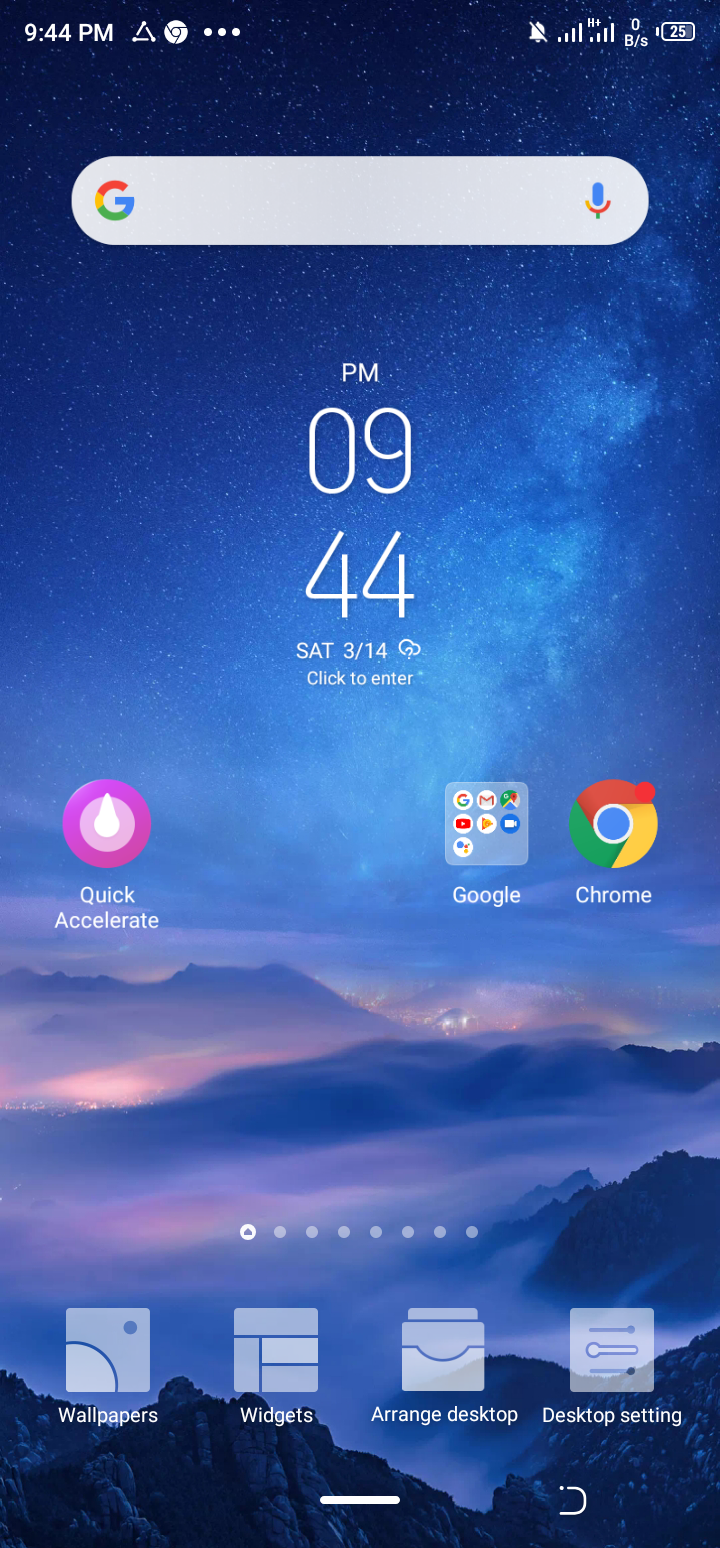
To have this done on your phone go to your phone main home page and click hold down the screen, desktop settings and wallpaper change will pop up.
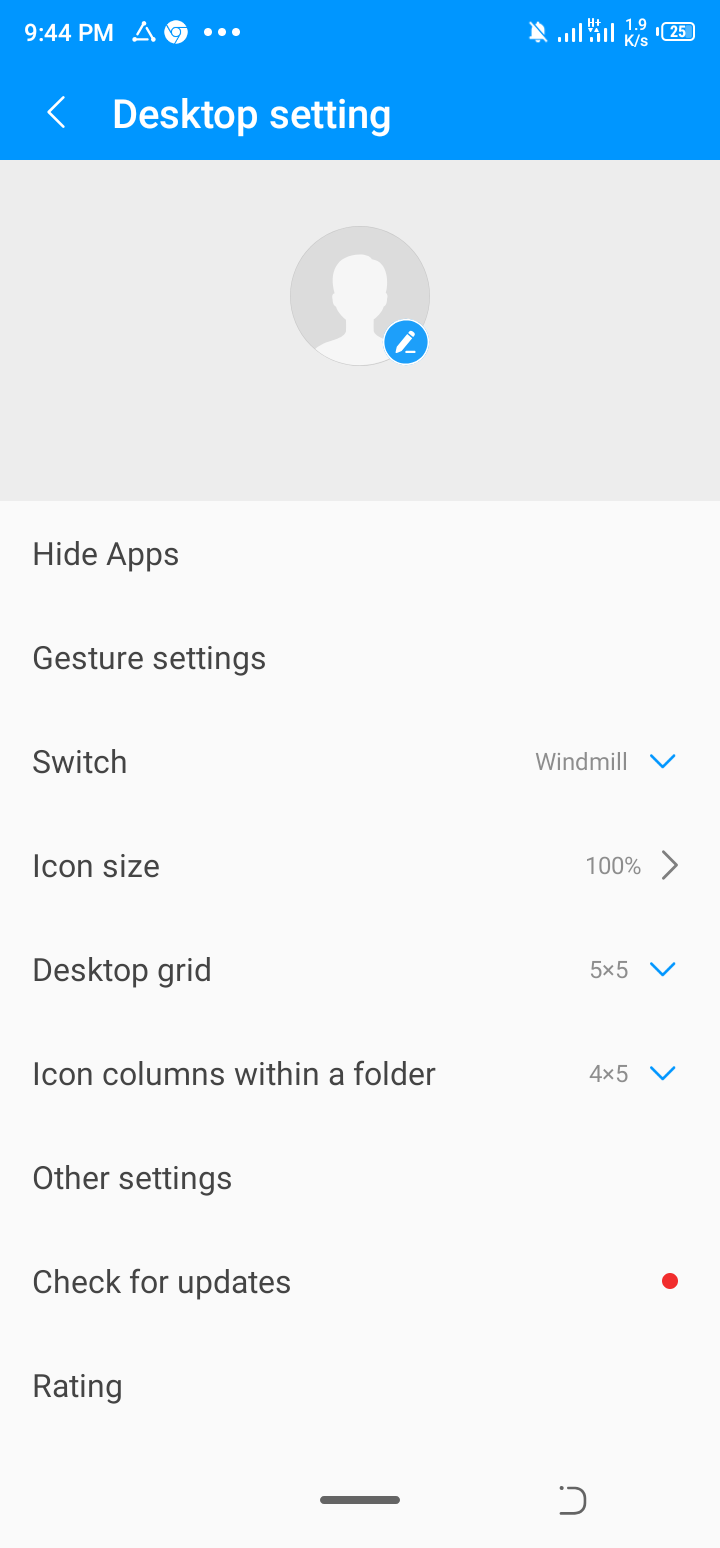
Just clickd desktop settings at the top and click hide apps. Select the apps you would want to hide and that’s all.
This is my own little review and contributions to this feature. Hope you enjoy this article? This is InformationHood whereas everyone share relevant info around the world. You can be helpful to other people. If you need more details about this post how to Swift to Guest Mode on tecno then drop your comment below. You can ask questions or contribute to this article as well.

I have searched for this on my spark but couldn’t. I wanted to draw this conclusions even before reading this. Seriously tecno phones are still very far.