This article is all about how to bookmark a web page on google chrome with your phone and computer.
There are lot’s of interesting post right there on the internet. Some daily activities post and more helpful post that will be helpful for you today and in the future.
How to Bookmark On Google Chrome Browser Easily
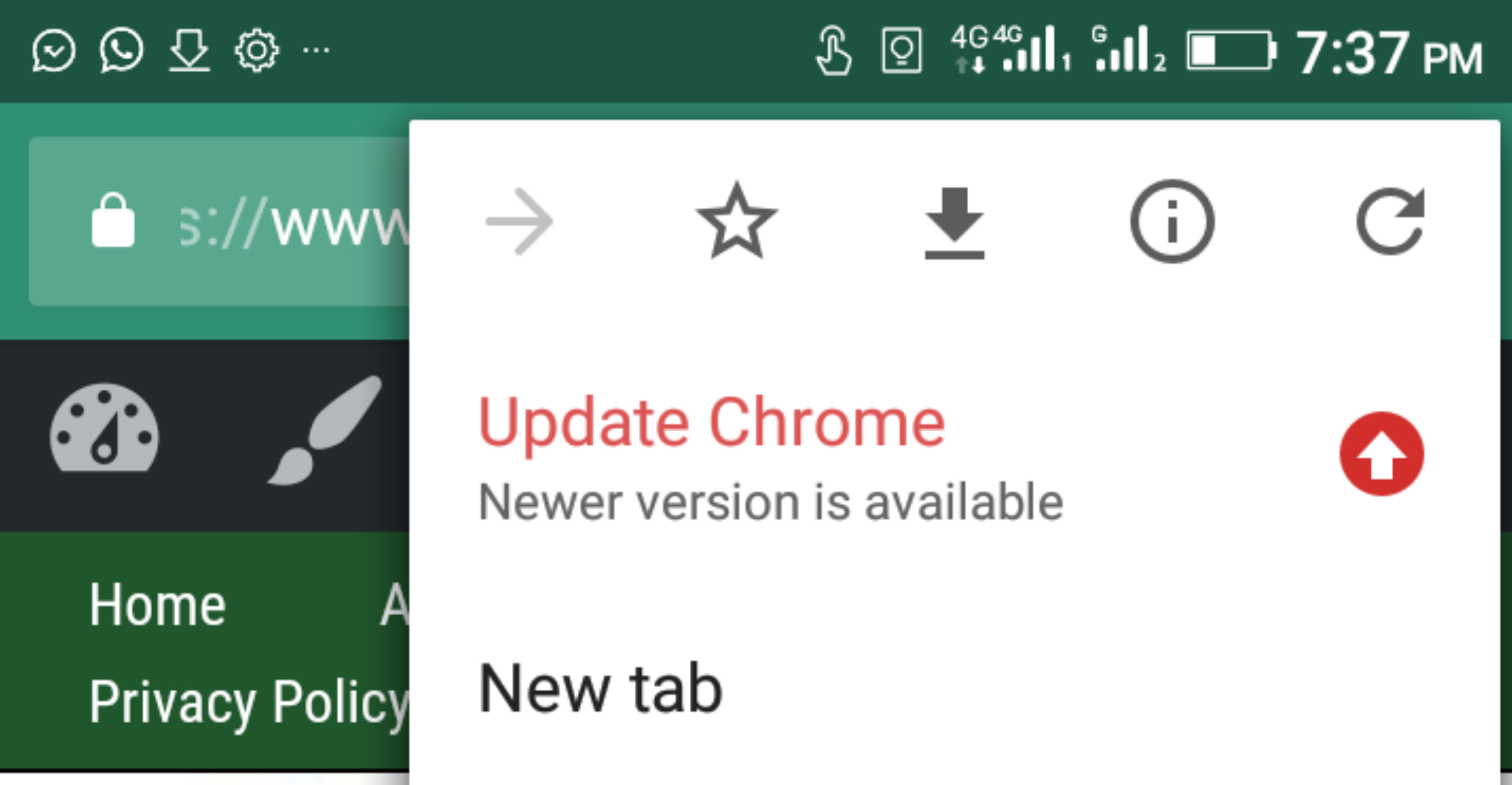
This kinds of post need to be saved to somewhere that one can easily access without having difficulty in getting them. The complete process of doing this is bookmarking such page.
Google made it easy to those using chrome to bookmark a webpage so they can return to such page when ever you need to. On google chrome there is an easy way to archive this without stress but it little different from phone and computer. On this post I’m going to show you how to bookmark a webpage on google chrome without stress.
How to Bookmark a page on Google Chrome in Computer
If you are using a computer and the browser you are using is chrome then open the webpage you want to add to bookmark. When it open look at the browser top right side along the line of URL you will see a star icon. All you need to do is click the star icon and you have successfully added that page to bookmark.
To check if is really bookmarked click on the : icon at the top right end and look for bookmarks. In most cases the the newest bookmark will be at the bottom.
How to Bookmark a Website Page on Google Chrome If Using Phone
As stated earlier, there is a little different between bookmarking on a computer and on phone.
"Give thanks to the Lord for He is good: His love endures forever."
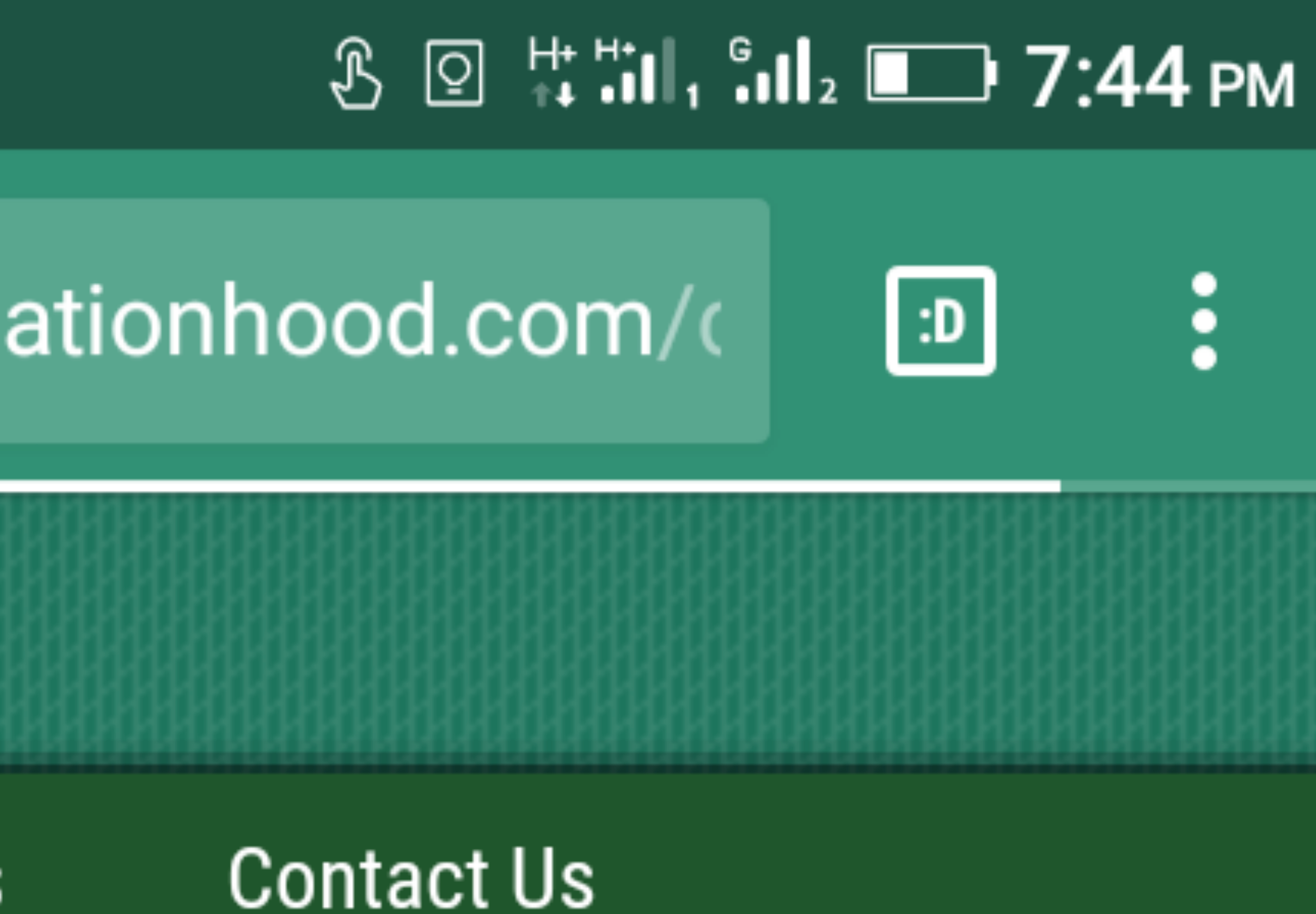
To bookmark on your phone visit the page you want to bookmark and click the three straight icon at the right side. You will see a star icon, all you need to do is click on it and that is all. You will see a notification at the bottom that the the page is been bookmarked . The below video will as well put your through if you need the practical way.

This Naija guy makes at least $2,000 per month from Twitter by writing tweets for just one hour daily.
And now he wants to show you…
⬇️ Link ⬇️
Copy and paste this link into your browser to get access to the product.